
How to Build Fast With AI and Keep the Right Direction
AI lets teams work in ways that weren't possible before. Work that used to take weeks now takes hours. But speed alone no longer sets products apart, and building faster comes with its own challenges. What should you build when AI can produce almost anything? Where should you put your own energy, and what can you leave to AI? How do you stay on course when rapid building pulls your product away from its original strategy? These questions decide whether all that speed pays off.
Let's explore
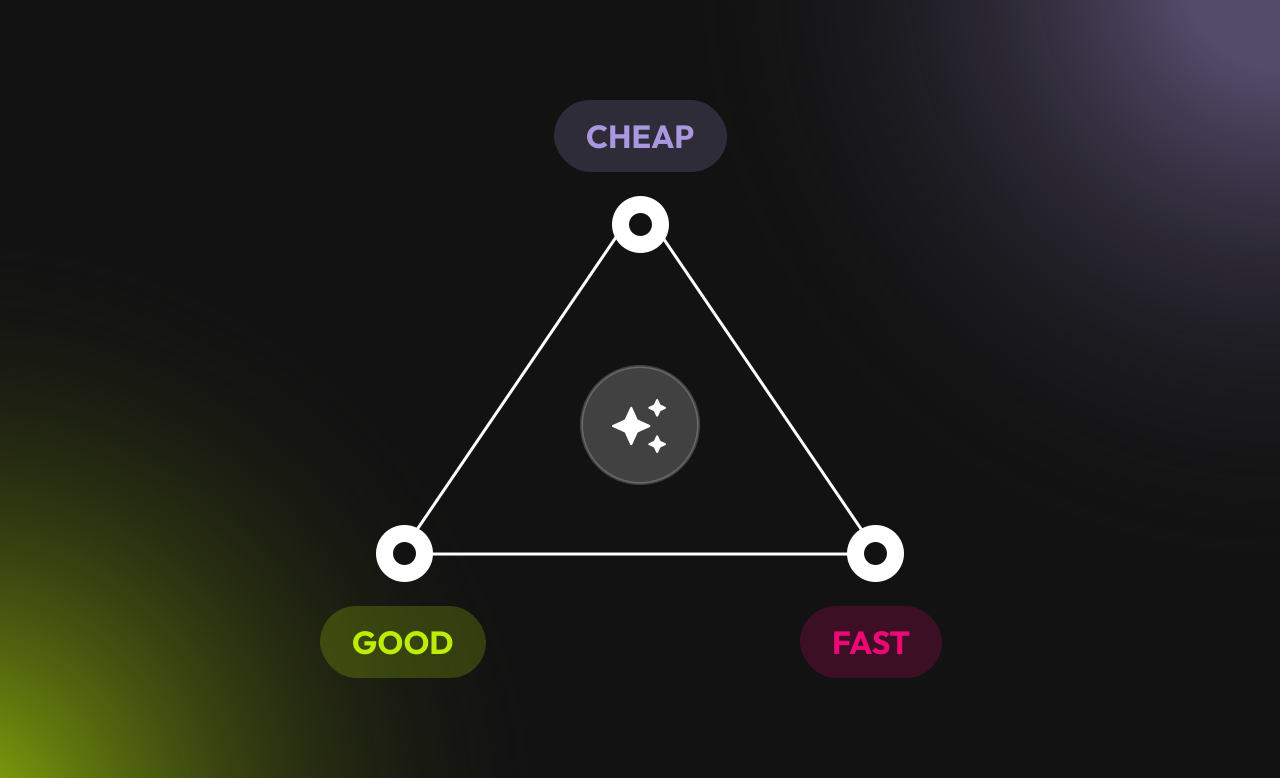
AI makes fast and cheap easy, but good still takes human judgment
What’s worth building now
You can now build in a day what used to take a month, for a fraction of the cost. But knowing whether it was worth building hasn't gotten any easier. Today, a product manager can turn a rough idea into a clickable prototype before lunch. An engineer can sketch the first version in code and hand it to design the same day. The traditional process of moving from ideating to design, then to development, has changed. Work now begins at any point, jumps between tools, and circles back as often as it needs to.
That's a real advantage when you need to test an idea quickly. Sketch a rough prototype in an evening, show it to a few people, and find out whether anyone needs it at all. But when anyone can build fast, speed alone stops setting you apart. Producing things is easy now. Choosing which of them deserve your effort is the real work. More output doesn't mean more value. It's easy to mistake how fast AI generates work for how much the business actually gains from it.
Speed is a tool for testing ideas, not a measure of good work. What sets a product apart is everything AI can't deliver overnight. The most common trap is falling for your first idea. You polish it, tweak it, and make it a little better each round. But have you asked whether you started with the right idea? AI makes that trap easier to fall into. It will gladly help you build out any idea. And since AI models are so agreeable, any pushback disappears the moment you insist on doing it your way. Without user feedback or an outside opinion to challenge you, it's easy to keep moving down the wrong path without noticing.
Products that last are shaped by going wide first, and then narrowing down, again and again. Each round reveals whether to change course or hold steady. The direction worth keeping is the one that solves your users' most pressing problem, not the one that was fastest to build. AI can't make that call for you. Knowing what matters to users still takes human judgment.
That's a real advantage when you need to test an idea quickly. Sketch a rough prototype in an evening, show it to a few people, and find out whether anyone needs it at all. But when anyone can build fast, speed alone stops setting you apart. Producing things is easy now. Choosing which of them deserve your effort is the real work. More output doesn't mean more value. It's easy to mistake how fast AI generates work for how much the business actually gains from it.
Speed is a tool for testing ideas, not a measure of good work. What sets a product apart is everything AI can't deliver overnight. The most common trap is falling for your first idea. You polish it, tweak it, and make it a little better each round. But have you asked whether you started with the right idea? AI makes that trap easier to fall into. It will gladly help you build out any idea. And since AI models are so agreeable, any pushback disappears the moment you insist on doing it your way. Without user feedback or an outside opinion to challenge you, it's easy to keep moving down the wrong path without noticing.
Products that last are shaped by going wide first, and then narrowing down, again and again. Each round reveals whether to change course or hold steady. The direction worth keeping is the one that solves your users' most pressing problem, not the one that was fastest to build. AI can't make that call for you. Knowing what matters to users still takes human judgment.
Where AI shouldn't replace you
AI can handle much of the execution, but not the judgment behind it. It can make something that works, but not necessarily something that's right for your users. This is where you should step in, closing that gap with taste, intuition, and curiosity. Here's what each one looks like in practice:
With this thoughtful approach, you can shape a product that is more likely to win users today, especially since new features are easier to copy than ever. But even a thoroughly built product can slowly drift away from its original goal when many small decisions add up.
- Taste is knowing what to include, what to leave out, and how it should feel. That's what makes a product look polished. Now AI can get you a first draft faster, but it won't get you a finished result on its own. It's on you to push it further and judge whether every detail earns its place. Sometimes that means giving a crowded screen more breathing room, even when all the content fits.
- Intuition is a gut feeling that something is off, even when everything technically works. That sense comes from listening to your users and getting to know how they think. Take your intuition seriously and pause when it sends you a signal. If you listen carefully, you might notice a flow that confuses users, even though every button does its job.
- Curiosity means asking "why" and "what if" before the path is clear. AI makes it cheap to explore many directions, but it won't step outside the brief on its own. And most of the time, it won't even question whether the brief itself is right, or explore an unexpected idea that doesn't look promising at first. Exploring widely early on pays off later. When you've seen many options, you commit with more confidence and spend less time redoing work.
With this thoughtful approach, you can shape a product that is more likely to win users today, especially since new features are easier to copy than ever. But even a thoroughly built product can slowly drift away from its original goal when many small decisions add up.
How to spot product drift before it costs you
To spot product drift before it gets expensive, you need to know how it starts. It's a chain of minor tweaks that gradually takes your product somewhere you never intended to go. Usually, drift is hard to notice because it doesn't show up as one big mistake. These minor tweaks often look like improvements. First, you add an extra feature just because AI can build it. Then you add a new step in the onboarding flow because you had some spare time. Each choice seems reasonable on its own, but together they might break the holistic experience. When the drift finally becomes visible, correcting it is costly. Each week heading the wrong way burns runway and time to market you won't be able to recover.
The risk grows with team size. When many people build at once, choices get made with only part of the picture, and quality erodes bit by bit. That's why it's worth taking a pause regularly, looking at the whole product, and checking whether it still matches what you set out to build. AI can also cause drift in two ways. Its mistakes sound convincing, so they slip into research, analytics, and plans, nudging the product in directions no one actually chose. And because AI leans toward the most common patterns, every generated piece pulls your product a little closer to everyone else's design.
Drift is hard to catch because it looks like progress. The team is busy and shipping, just not toward the original goal. These three drift signals will help you notice it early:
The risk grows with team size. When many people build at once, choices get made with only part of the picture, and quality erodes bit by bit. That's why it's worth taking a pause regularly, looking at the whole product, and checking whether it still matches what you set out to build. AI can also cause drift in two ways. Its mistakes sound convincing, so they slip into research, analytics, and plans, nudging the product in directions no one actually chose. And because AI leans toward the most common patterns, every generated piece pulls your product a little closer to everyone else's design.
Drift is hard to catch because it looks like progress. The team is busy and shipping, just not toward the original goal. These three drift signals will help you notice it early:
- The same feedback keeps coming back
If your users keep giving the same feedback, that means the current approach isn't fixing the core problem. You can keep shipping updates, but until that issue is solved, it will keep holding your product back. How to respond:
- Check the problem, not just the solution. Repeated comments often signal a deeper issue that tweaks to the current design won't fix.
- Pause the polish and go after the blocker. Sketch two or three different approaches, then compare them side by side.
2. Everyone senses a problem, but no one can name it
Sometimes feedback is vague. People sense something is wrong but can't say what to change. Comments like that still deserve attention. They usually point to friction no one has diagnosed yet. How to respond:
- Invite an outsider to look. Someone new can spot what the team stopped seeing after weeks with the same screens.
- Revisit your user research. Compare the current direction with the user goals and pain points you've already uncovered.
3. No option stands out
Ask the team why they picked this approach. If nobody has a solid answer, the problem runs deeper than one flaw. People don't believe in the choice yet because they haven't compared it with enough alternatives. How to respond:
- Spell out the costs. For each option, ask what you'd lose by choosing it. Picking gets simpler once you can see what you're turning down.
- Run a quick test. Show two directions to five users and see which one gets them to their goal faster. One day of testing can settle a week-long debate.
Conclusion
Once the alternatives and their costs are on the table, it's time to move from exploring to choosing one direction to commit to. Step back and look at the whole picture. Try a 30-minute decision review call with your team. Lay every option side by side, developed to the same depth, with its downsides written next to it. That way, everyone judges from the same information, not from the version they've seen most. An idea earns your commitment once it holds up against the others and you've tested it far enough to find its weak spots. Name one person who owns the final call, so accountability doesn't get lost along the way.
AI has made building fast and cheap, but it hasn't made deciding any easier. Remember, speed is good for testing ideas, but not for defining your product strategy. That part is still up to you: revisit your assumptions, check how your users feel, and focus your effort where it matters most. As you build, keep an eye on drift. Watch for recurring or unclear feedback. Beware of options with no rationale behind them.
As your next step, pick the part of your product that causes the most friction, and check it against the three drift signals. If you want an outside view on your product, contact us. We'd be happy to help you find the right direction.
AI has made building fast and cheap, but it hasn't made deciding any easier. Remember, speed is good for testing ideas, but not for defining your product strategy. That part is still up to you: revisit your assumptions, check how your users feel, and focus your effort where it matters most. As you build, keep an eye on drift. Watch for recurring or unclear feedback. Beware of options with no rationale behind them.
As your next step, pick the part of your product that causes the most friction, and check it against the three drift signals. If you want an outside view on your product, contact us. We'd be happy to help you find the right direction.